Google TV Streamer (4K): A Powerful Streamer With One Glaring Flaw
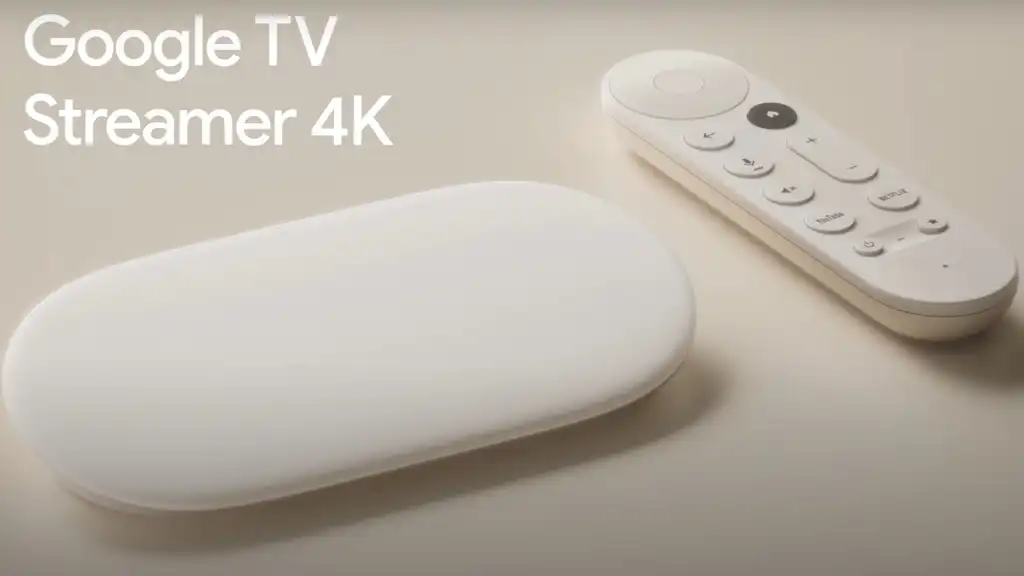
Google’s entry into the proper streaming box arena has been a long time coming. After years of Chromecast dongles that were clever but constrained, the Google TV Streamer (4K) arrives as a genuine contender — a pebble-shaped box sitting comfortably on your media unit, priced at £99 in the UK and $99.99 in the US. It’s a significant step up, and for most users, it genuinely delivers. But for audiophiles and home cinema enthusiasts, one decision by Google leaves a sour taste — and we’ll get to that.
What Is the Google TV Streamer (4K)?
The Google TV Streamer is a desktop-form-factor media streaming device running Google TV OS, built to replace the Chromecast with Google TV entirely. It’s not just a faster dongle — it’s a repositioned product designed to compete directly with the Apple TV 4K and Amazon Fire TV Cube.
Under the hood, it packs 4 GB of RAM, 32 GB of internal storage, a MediaTek-based processor, Gigabit Ethernet, HDMI 2.1 output, Wi-Fi 5, and Bluetooth 5.1. It runs Android 14 at launch and doubles as a Matter hub and Thread border router for smart home control — something we’ll cover in depth below.
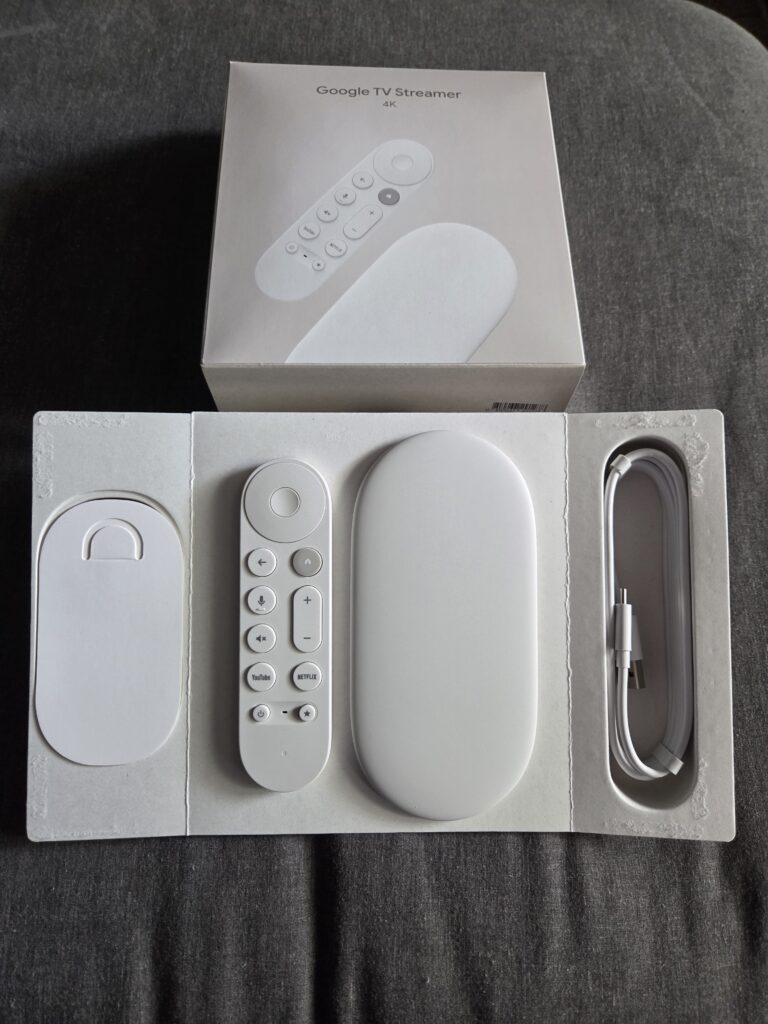
The design is clean and low-profile, built from 65% recycled plastic and weighing just 160.7g. It’s meant to sit proudly on your shelf rather than hide behind your TV.
What does it do well?
Stunning 4K Picture Quality
The Google TV Streamer covers all the major HDR formats: HDR10, HDR10+, Dolby Vision, and HLG. Whether you’re watching a Netflix series, a Disney+ blockbuster, or streaming from Plex, the picture output is excellent — crisp, colour-accurate, and smooth at up to 60 fps. Quick Media Switching (QMS) via HDMI 2.1 also minimises those annoying black screen flashes when switching between content with different frame rates or HDR formats.
Solid, Responsive Performance
With double the RAM of the Chromecast it replaces and 32 GB of storage, app load times are noticeably faster and the interface scrolls smoothly. It won’t blow the Nvidia Shield Pro out of the water in benchmarks, but for everyday streaming it’s perfectly capable and lag-free.
Gigabit Ethernet — Finally
This is one of the most practically useful upgrades. Wired connections deliver noticeably superior stability over Wi-Fi, especially on congested home networks. If you have an Ethernet-capable router nearby, the difference in 4K streaming reliability is immediately apparent.
Smart Home Hub: Matter & Thread Built In
One of the most compelling reasons to choose the Google TV Streamer over cheaper alternatives is its role as a Matter-compatible smart home hub with a built-in Thread border router. Thread-enabled smart devices — locks, sensors, bulbs, thermostats — connect more reliably and respond faster through a Thread border router than over standard Wi-Fi. Combined with the Google Home app displayed directly on your TV via the new Home Panel, it positions the Streamer as a genuine control centre for your connected home, not just an entertainment device.
Gemini AI Integration
The Streamer incorporates Google’s Gemini AI for smarter search. You can ask natural-language queries like “find me a film that feels like a holiday” and get genuinely relevant results across your apps. Gemini also pulls in show and film reviews from the web and summarises them on screen — a handy addition when you’re deciding what to watch.
The Upgraded Remote
The redesigned remote comes with a customisable button that you can assign to any app — brilliant for Plex or YouTube users. It also supports Find My Remote: just say “Hey Google, find my remote” and it rings, saving the inevitable sofa cushion excavation. It’s a small quality-of-life improvement, but one you’ll appreciate weekly.
Projectivy Launcher: Making It Truly Yours
One of the best things you can do with the Google TV Streamer — as many enthusiasts have discovered — is replace the default home screen with Projectivy Launcher (other launchers are available). The stock Google TV interface is cluttered with auto-playing ads dressed up as recommendations, with very little room for personalisation.
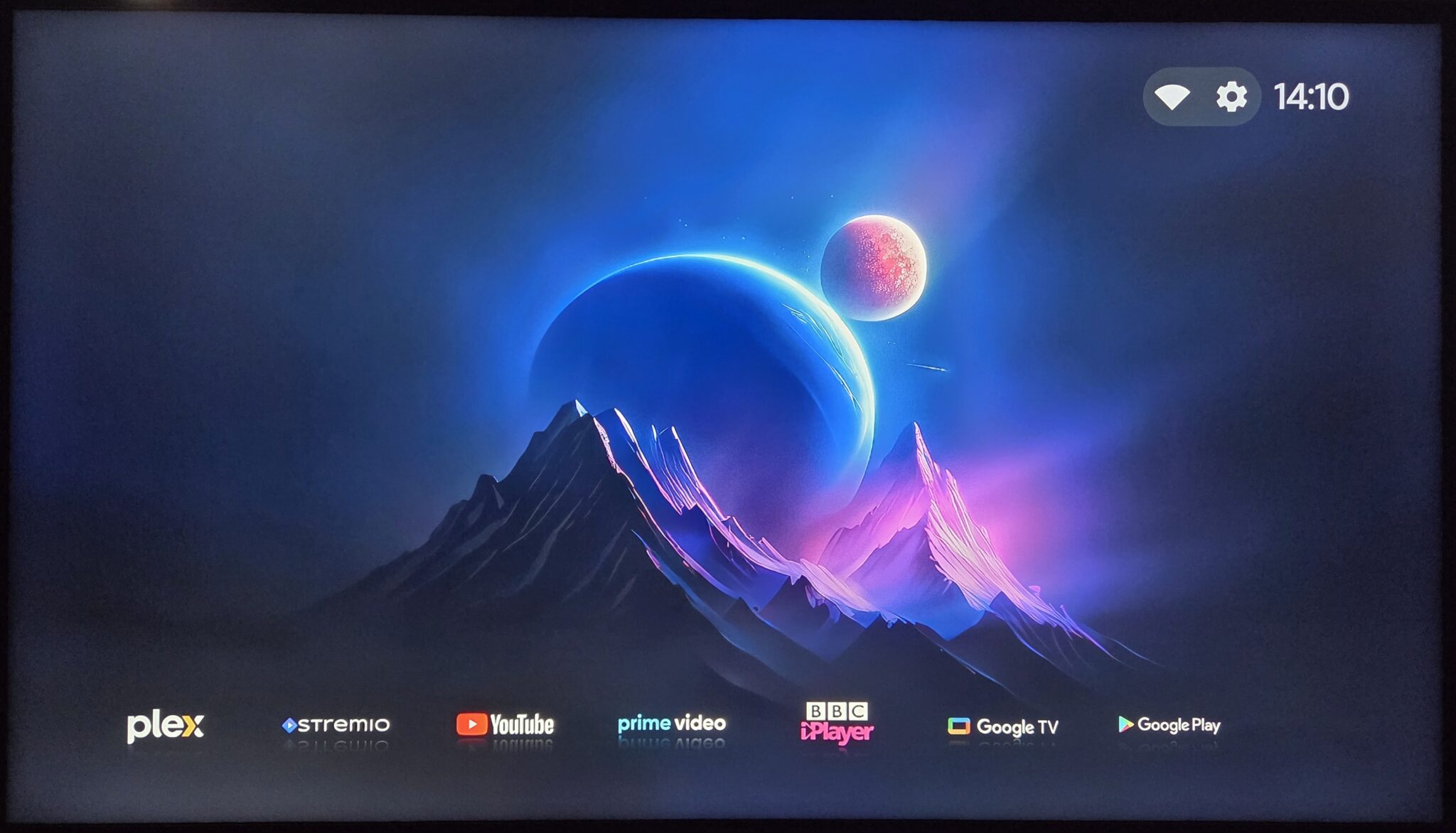
Projectivy, developed independently by a single developer, strips all of that away and delivers a clean, fast, fully customisable home screen — closer in feel to a premium launcher you’d expect on a high-end Android phone. You can set any row as your default home screen, organise your apps exactly as you like, and access a 4K-native UI with calibration tools in the premium tier. It’s a genuinely transformative upgrade, and if you’ve already installed it, you’ll know exactly why it’s hard to go back.
To get the most out of Projectivity Launcher (such as custom Icons / backgrounds), a one time fee is required to upgrade to the premium version. However it is generously priced at £4.99 (correct at the time of writing) and genuinely for the price and features it provides I cannot personally recommend it enough. After customising my Google Streamer setup using Projectivity Launcher, this is how my home screen now looks:
Use Cases
The Google TV Streamer punches well above its price in the right scenarios:
- Streaming-first households — If Netflix, Disney+, Apple TV+, YouTube, and similar services are your primary content sources, the Streamer handles all of them brilliantly.
- Smart home users — Anyone building a Matter/Thread smart home ecosystem will find genuine value in having a Thread border router and Home Panel built into their TV setup.
- Plex/Jellyfin/Emby users (streaming content) — For streaming-encoded content (H.264, H.265, AV1) from a media server, the Streamer performs excellently.
- Family households — Multiple user profiles with parental controls, combined with a clean interface (especially with Projectivy), make it well-suited for shared TVs.
- Cord-cutters upgrading from older Chromecasts — The step up in performance, storage, and features is meaningful and immediately noticeable.
The Big Disappointment: No Lossless Audio Passthrough
Here is where Google makes a decision that is, frankly, baffling for a £99 flagship streaming device released in 2024 — and one that will matter enormously to anyone with a decent AV receiver or soundbar.
The Google TV Streamer does not support passthrough of Dolby TrueHD, DTS-HD Master Audio, DTS-HD MA, or DTS:X. These are the lossless, full-quality audio formats found on Blu-ray discs and high-quality rips. If you have a Plex, Kodi, Jellyfin, or Emby library full of content with TrueHD Atmos or DTS:X soundtracks, your AV receiver will never hear them in their true form from this device.
Instead, the Streamer processes everything internally through the Dolby MS12 software decoder, converting lossless tracks into PCM streams before sending them out over HDMI. Your AVR receives PCM rather than the original bitstream — and while PCM is technically uncompressed, you lose the spatial metadata and object-based audio information that makes TrueHD Atmos and DTS:X so immersive when decoded natively by your receiver.
To make matters worse, a software update released in early 2025 removed TrueHD and DTS-HD from the audio settings menu entirely, after they briefly appeared as selectable options following launch. Google confirmed these were never actually supported — their presence was a bug. That update effectively closed the door permanently, signalling that lossless audio passthrough is not coming to this device.
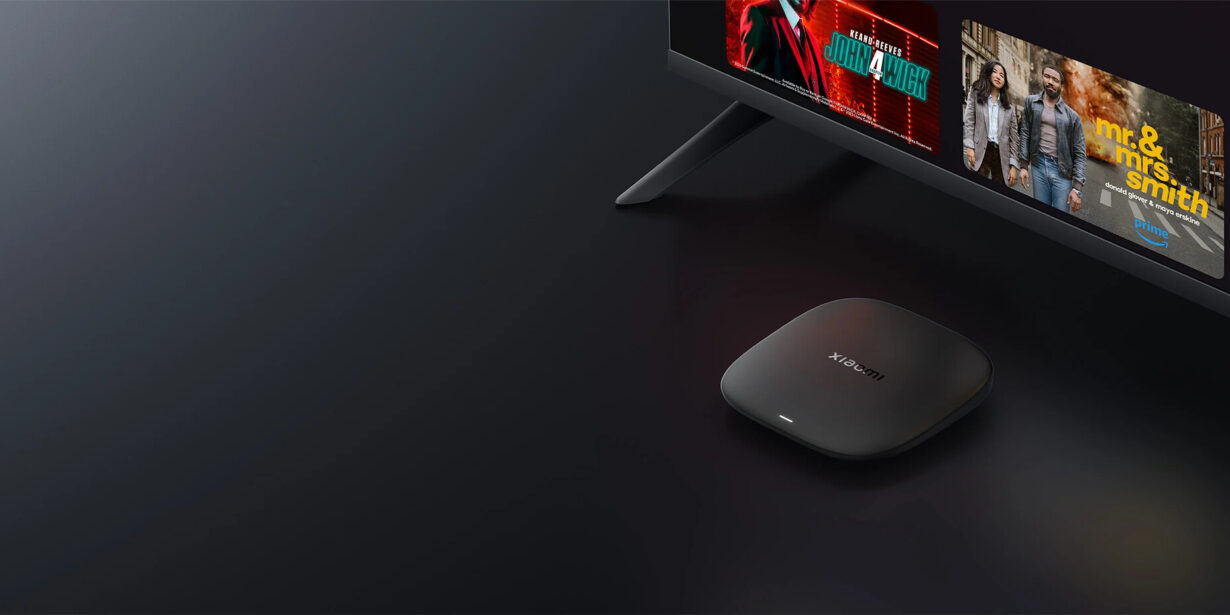
For context, the Amazon Fire TV Stick 4K Max and Fire TV Cube both support Dolby TrueHD passthrough. The Nvidia Shield TV Pro supports the full suite of lossless formats as does the Xiaomi Mi Box S 3rd Gen. Even Walmart’s budget Onn 4K Stick has since added TrueHD and DTS-HD support. Google’s omission at this price point isn’t just a gap — it’s a step backward from what competing devices offer.
If you regularly watch Blu-ray rips or local high-quality files and have an AVR or soundbar capable of decoding TrueHD or DTS:X, the Google TV Streamer is the wrong device for you. For that use case, the Nvidia Shield TV Pro remains the gold standard, with the Fire TV Cube as a solid alternative.
One thing to note here however, is that Amazon have fully cracked down on custom launchers and it is now impossible to replace the default launcher on Amazon devices (meaning no Projectivity Launcher for example and therefore no real way of removing ads and clutter from your TV experience).
Final Verdict
The Google TV Streamer (4K) is a well-rounded, capable streaming box that earns its place in most living rooms. The smart home integration is genuinely useful, the picture quality is excellent, Projectivy turns it into a premium-feeling device, and the Gemini AI features add real-world value. For the majority of users — those primarily using streaming services and perhaps a media server for standard-encoded content — it’s an easy recommendation at the price.
But Google has made a conscious choice to omit lossless audio passthrough, and then doubled down by removing the codec entries from the settings menu entirely. For anyone who has invested in a quality AV setup and wants the full TrueHD or DTS:X experience from their local library, this device will disappoint — and no amount of Projectivy customisation changes that.
Buy it if: You primarily stream from services like Netflix, Disney+, and YouTube; you’re building a Matter smart home; or you want a clean, capable box that won’t break the bank.
Look elsewhere if: You have a Plex or Kodi library with TrueHD, DTS-HD MA, or DTS:X audio tracks and a receiver capable of decoding them.
Alternatives supporting loseless audio codecs:


One reply on “Google Streamer (4k) – Unboxing and Review”
[…] Note: Whilst the specs on paper on impressive, I unfortunately had so many performance issues with mine, apps crashing or unable to launch, series/movies crashing mid-stream requiring a reboot. Couple this with the almost constant WiFi disconnections (mentioned later in the article), I ultimately had to return my TV Box S 3rd Gen for a refund. I have had no such issues with my Firesticks or Google TV Streamer (4k) […]